As a Carved Plus member, you get unlimited access to all our digital eBooks and tabs at no extra cost. Here’s how to log in and download them for free.
1. Log in to Your Account
Go to www.carvedculture.com and sign in using the same email and password you used to subscribe to Carved Plus. If you’ve forgotten your password, click “Forgot password?” on the login page to reset it.
2. Browse eBooks and Tabs
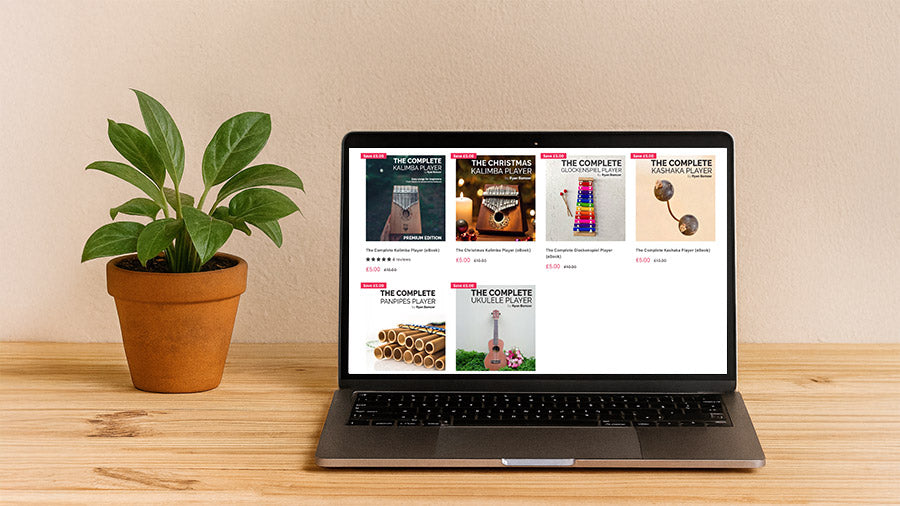
Once logged in, visit our eBooks or Tabs collection pages. Explore hundreds of downloadable resources—from kalimba and ukulele tabs to complete instrument guides and learning materials.
3. Add to Cart
Add any eBook or tab you’d like to download to your cart. On the product page it will display the original price but when you’re signed in as a Carved Plus member, the price of eligible digital downloads will automatically update to £0.00 once added to cart.
4. Proceed to Checkout
Go through the checkout process as normal. You’ll see a total of £0.00 and won’t be charged. Once you confirm your order, you’ll receive a download link on the confirmation page and via email.
5. Download and Enjoy
Click the link in your order confirmation or from your Account → Orders page to instantly download your files. You can download unlimited eBooks and tabs during your active billing period.
Need Help?
If your download doesn’t appear as free or you encounter issues during checkout, please contact our support team at info@carvedculture.com. We’ll be happy to assist you.